
01
Open several panels
One click opens Claude, Codex, shell, or a collaboration room. Same project folder, separate sessions.
One app for every AI coding tool you use.
~/workplace/Connect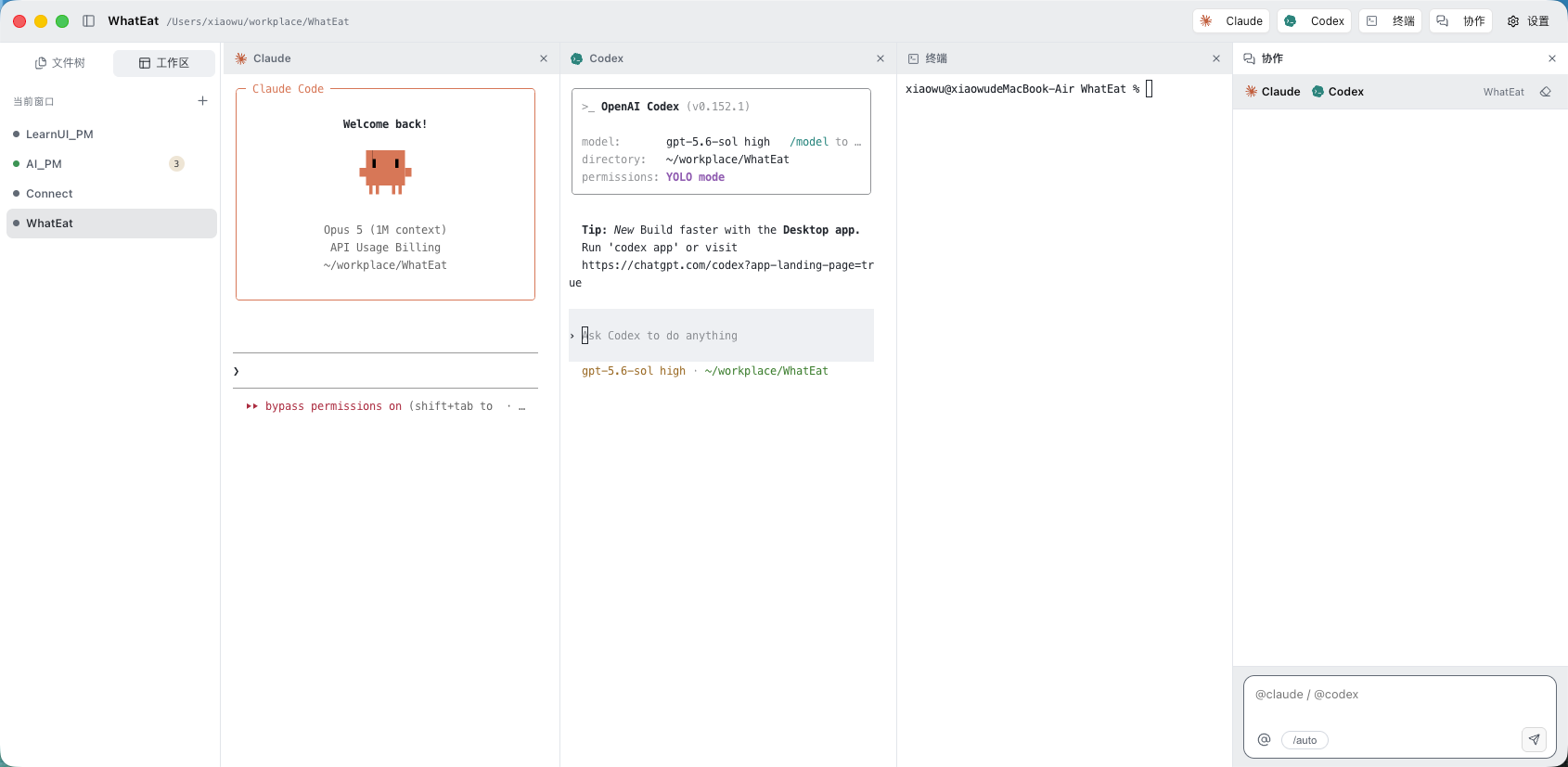
One click opens Claude, Codex, shell, or a collaboration room. Same project folder, separate sessions.
Real terminals underneath, not a simulation. Slash commands, TUIs, key bindings, and your login shell all work.
Give the task once, in one room. Claude writes the code, Codex checks it, and the record stays in one place.
File tree, editor, Markdown preview, and terminals open side by side. Review what an agent changed without leaving.
Give parallel tasks their own worktree when you need isolation. Without it, agents share files and you handle conflicts.
Reach your Mac over Tailscale or a trusted LAN. View sessions, take input, hand control back whenever you want.
Untrusted projects can be read, never run. Paths, permissions, and control follow the same rules on Mac and iPhone.
Use your own Claude and Codex accounts. Connect does not read vendor auth files, and never stores or forwards tokens.
iPhone connects straight to your Mac, never through a cloud. Projects and sessions stay on the computer.
The Mac app is Developer ID signed and notarized by Apple. Download the DMG here; updates arrive inside the app. iPhone ships through the App Store.
Desktop workspace
Mobile companion
The Mac app is ready to download. While iPhone is in review, read the pairing steps so you are set when it lands.